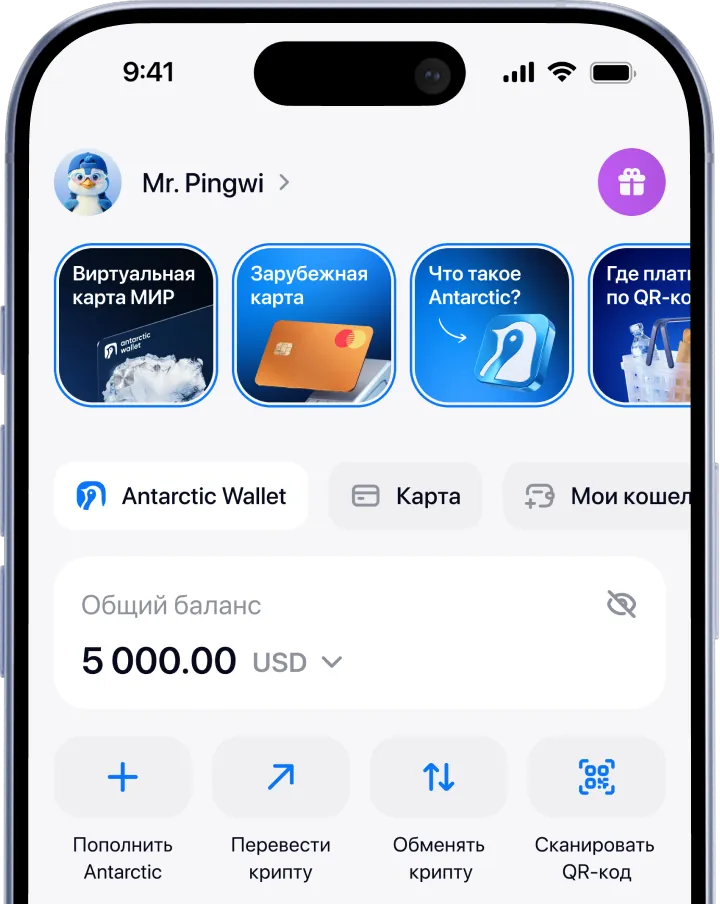
Open your app store
Go to the App Store or Google Play, depending on your device.
For iPhone and Android
Go to the App Store or Google Play, depending on your device.
Find Antarctic Wallet, install and launch the app.
Sign in or sign up via Telegram, email or Apple ID — and you can pay for purchases via QR code.
No app installation needed
If you don’t have an account, sign up.
Official bot: @antarctic_wallet_bot.
Tap “Start” → “Open Wallet” — and you can pay for purchases via QR code.