 5,000

CIS countries

 money moves freely
Pay by card or QR code, buy and sell assets at the best rate



Average QR payment time
Customers trusted us over the past year
Payments successfully completed
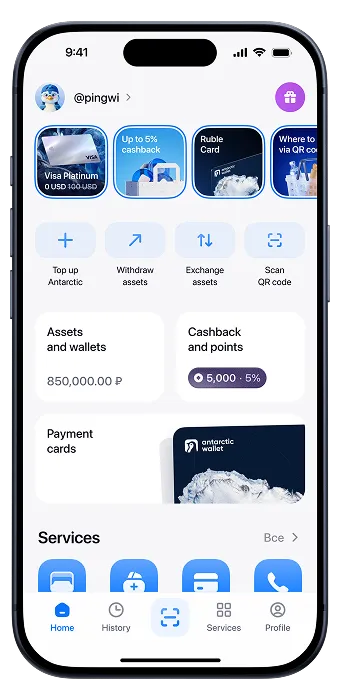
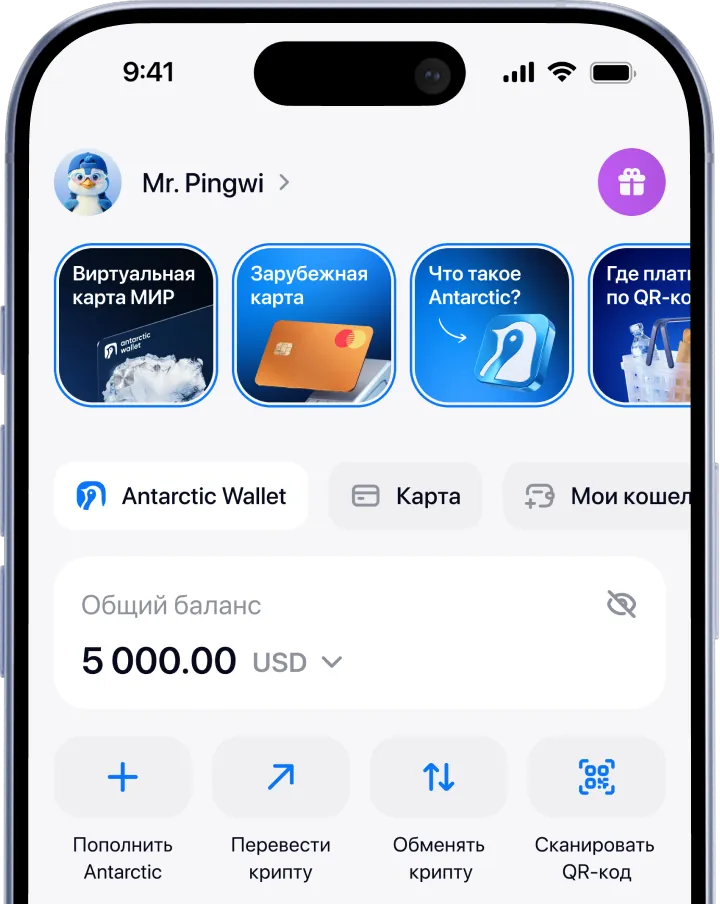
Convenient management of funds and digital assets in a single app
Add funds in a convenient way — with virtual assets or fiat.
Pay, transfer, and withdraw funds directly in the app across 12+ countries
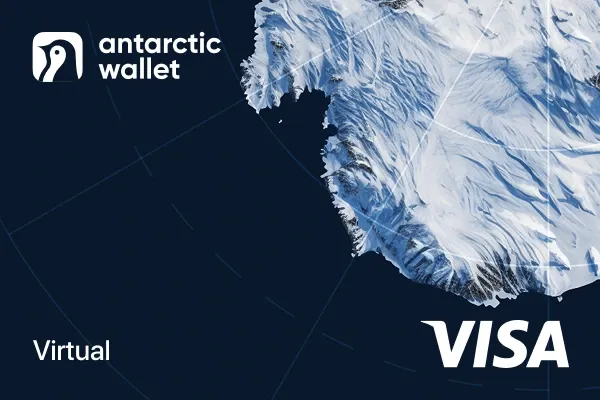





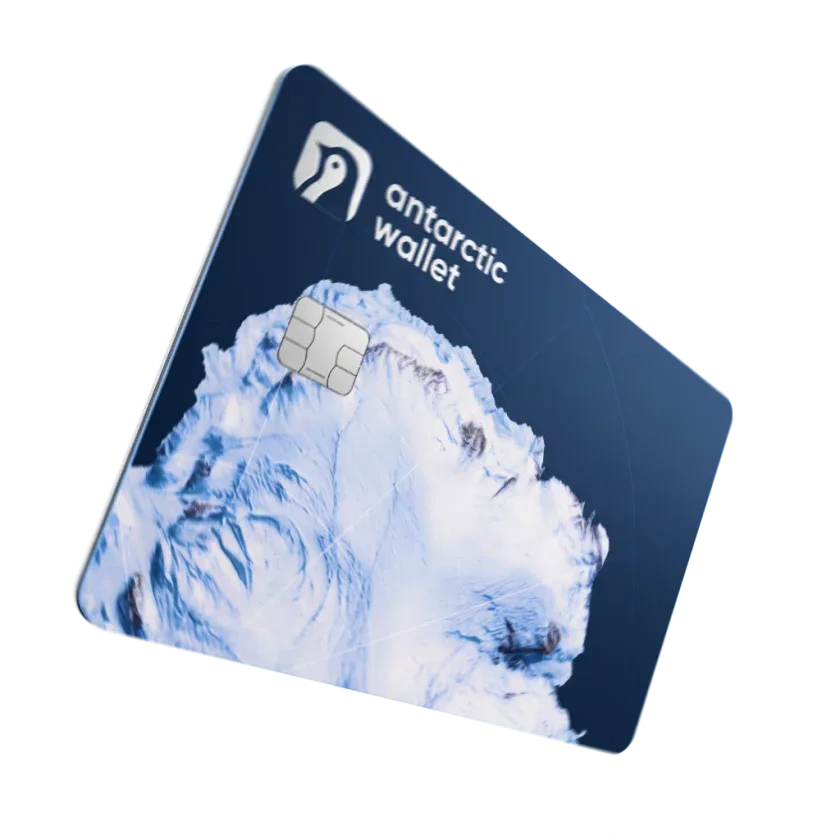
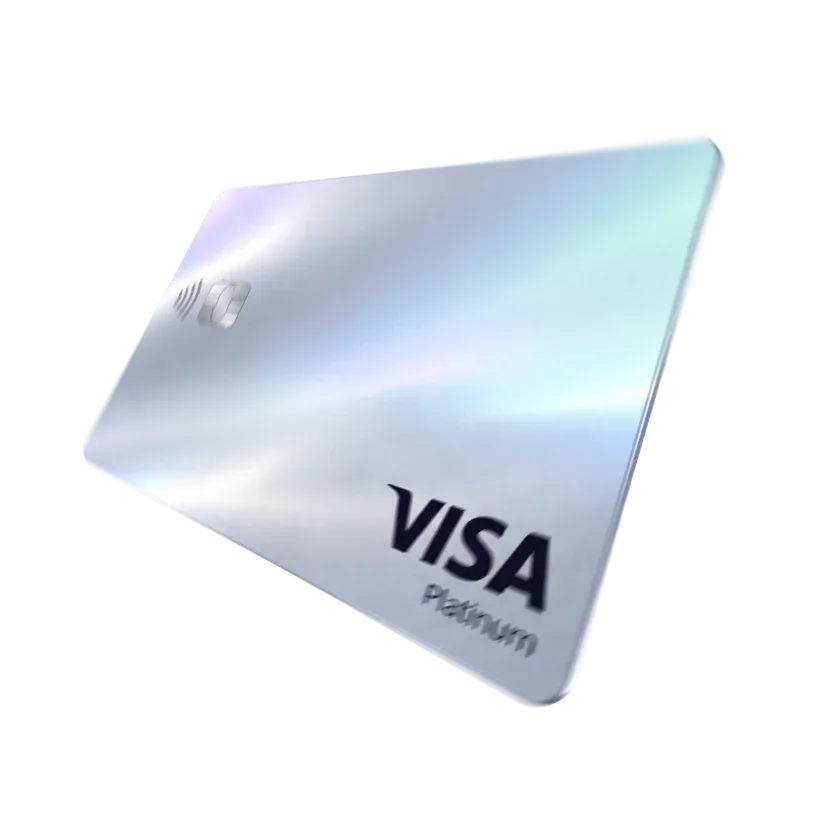
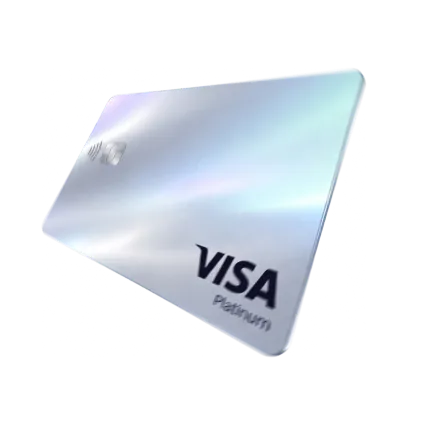
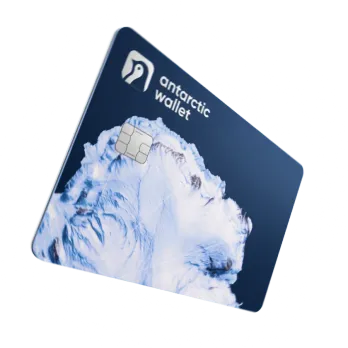
Shop abroad and pay for international services. One card for online shopping and mobile payments.
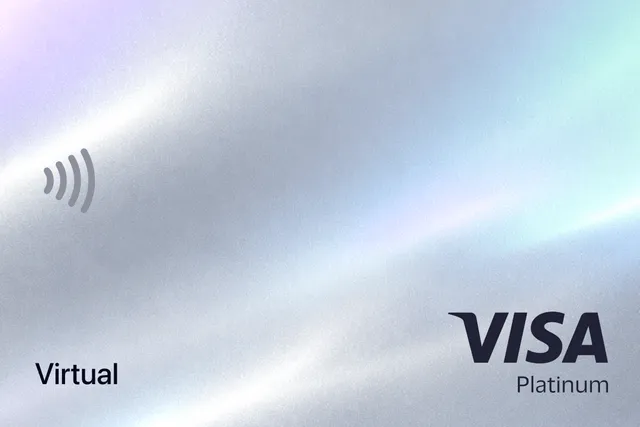



$0 for every payment, 1.7% for top‑ups, and up to $200,000 per day.
A basic verification level is required for issuance. Foreign cards are topped up from your Antarctic Wallet balance.
The card is available starting from the advanced verification level. Purchases are paid for directly from your Antarctic Wallet balance — there’s no need to top up the card separately.
Transfer funds from your bank card and receive USDT to your account
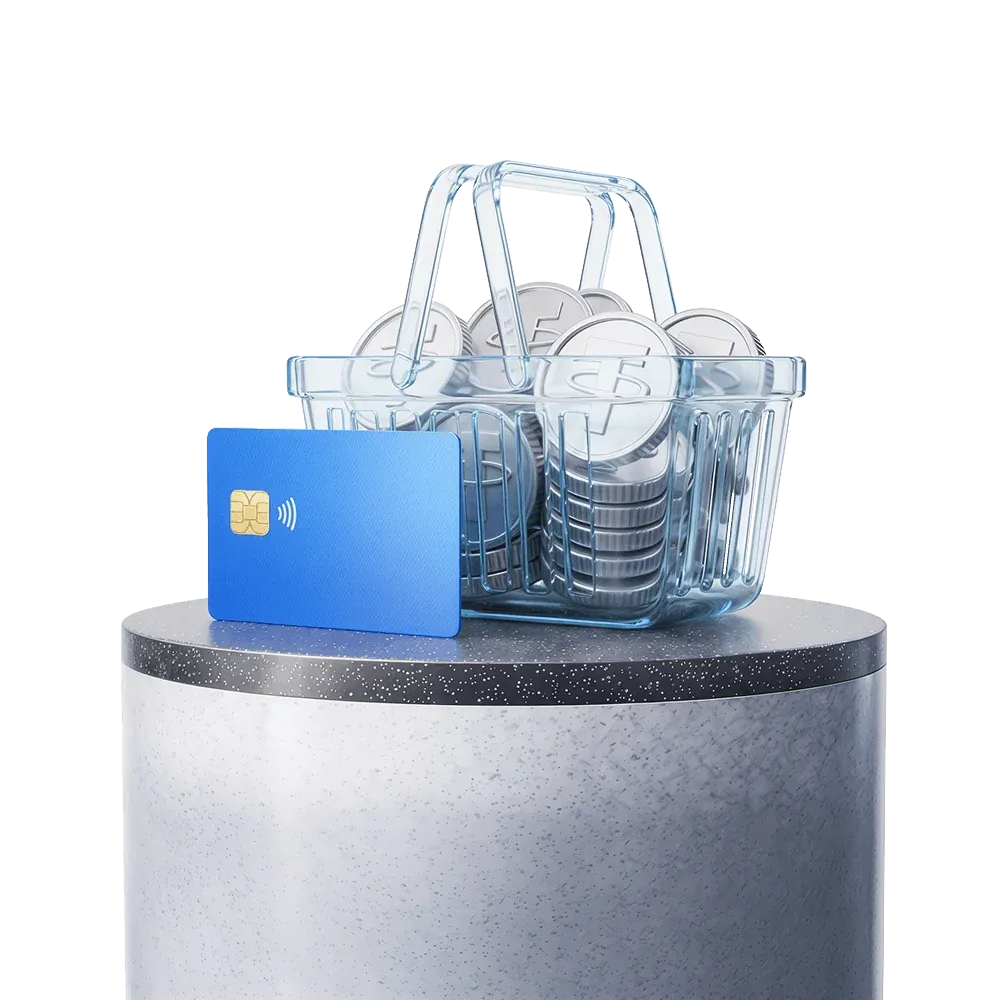
Exchange virtual assets for traditional money with no intermediaries or risks
Send USDT to up to 100 wallet addresses in one click
Top up your Steam balance using USDT
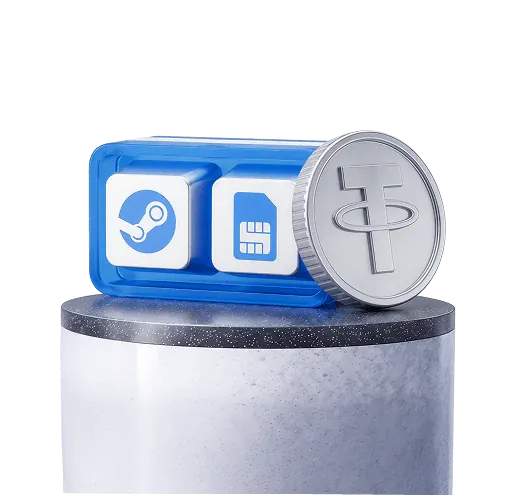
Top up your mobile balance using USDT
Earn up to 30% of fees, even from your referrals’ friends.

AML check on deposits and withdrawals
KYC verification from a trusted provider
2FA and a passcode for maximum protection of your wallet
For the mobile version of the wallet:
1. Go to the App Store or Google Play
2. Install the app
3. Sign up using Telegram or email
4. Top up your wallet using one of the available methods
5. Choose the service you need in the «Services» section
For the Telegram version of the wallet:
1. Open Telegram
2. Find the official bot by username: @antarctic_wallet_bot
3. Tap «Start» → «Open Wallet».
4. Top up your wallet using one of the available methods
5. Choose the service you need in the “Services” section

Our users’ questions are our priority. We respond around the clock, without days off.
Contact support